 Jill Weber, 2016 Gilder Lehrman Kansas History Teacher of the Year, has joined the Doing Social Studies writing team and will be posting throughout the year. The following is a cross-post from her excellent site A View of the Web.
I used Interactive Notebooks in my social studies class for eight years. The majority of the students loved them. But I had a serious love/hate relationship with them. And after taking a long look at the pros and cons of the books and my current curriculum, I decided not to continue with the interactive notebooks last year.
While I found it a relief not having to keep up with the grading of 60+ notebooks, there was something missing from my class. I had a number of kids ask me why we weren’t doing them anymore, and others who were disappointed that the “hands on” cutting, pasting, and creativity was replaced with more writing assignments. I felt guilty that my answer was “because I just couldn’t keep up with all the grading.”
That got me thinking on ways that I could bring the interactive notebooks idea back without having all the copious grading that went with it. I talked with our language arts teacher, who uses her interactive notebooks as a tool to help organize materials and doesn’t grade it at all. I liked that idea.
But I wanted more. I wanted a way to hold kids accountable. I wanted them to take pride in the organization and appearance of the book. And, most of all, I wanted it to be used as something more than a storage device. I want it to be something they will reference throughout the year.
The Idea:
Then an idea started to take form. An idea to use the notebook more like a detective’s note book when trying to solve a crime.
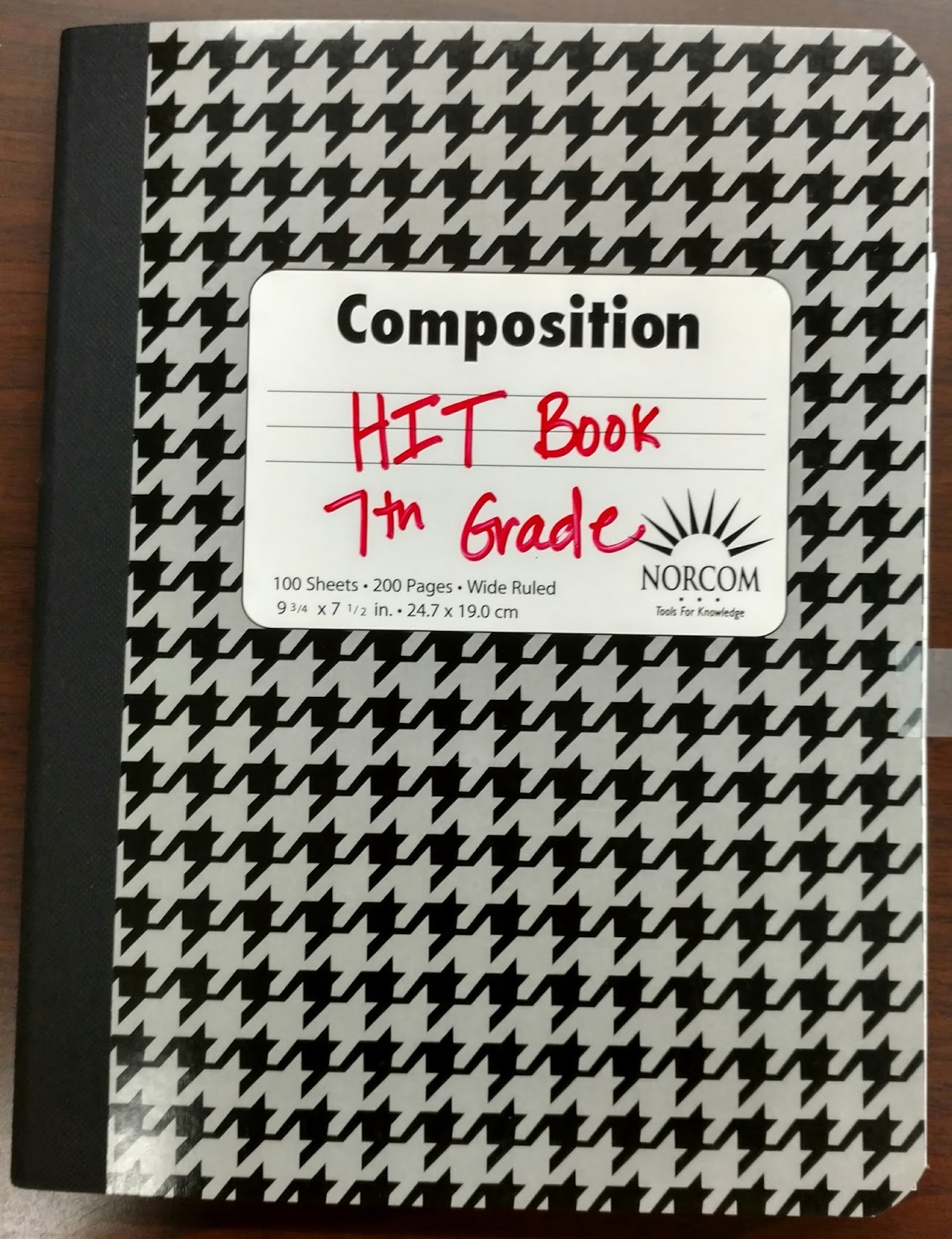
So this year, we have: the Historian In Training Notebook or HIT books. (HIT is a cool name for a middle school activity, right? )
The HIT notebook will be designed as sort of a history detective notebook that we’ll use to identify historical thinking techniques, analyze primary sources, keep information over specific historical questions, and refer back to skills learned throughout the year.
A few examples of possible pages . . . Continue reading H.I.T. Notebooks: A Different take on Interactive Notebooks →

 Last school year I wrote two separate Google posts, one on using Google Forms in the classroom and one on using the Flubaroo add-on to create and grade quizzes. This year I’m going to start off by updating both of those posts, because Google has completely updated their forms! Not only can you create and grade quizzes without using an add-on now, but you can also get more advanced reports from your students’ responses.
 Building off of my last post about Google Forms, I want to introduce you to an add-on called
